
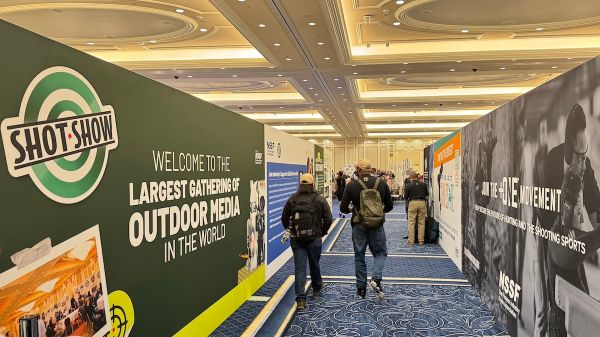
There is no shortage of things to cover at SHOT Show. There is, however, a shortage of time to cover them.
Especially when the person you need to interview is in a meeting, your next appointment is on the other side of the show and your phone is helpfully reminding you that it has 8% battery life remaining.
Welcome to Las Vegas.
For members of the media, a productive SHOT Show starts long before arriving at the Venetian. NSSF provides a number of resources to help you work the show. Taking advantage of them requires a little preparation.
Actually, more than a little.
Start with the obvious. Apply for credentials starting today through the SHOT Show media website, review the requirements and get your travel arrangements handled. For those pre-approved media members, you know the drill and you’ll receive your registration email today.
Then figure out what you intend to accomplish beyond “see what’s new.” That might work as a conversation starter. It’s less useful as an editorial plan.
Identify the companies, products and people that matter to your readers. Start scheduling booth meetings several weeks to two months before the show, and earlier when you need time with an executive whose calendar will fill quickly.
Tell the company what you want to discuss and who you’ll need to speak with. If you’re looking for insight into manufacturing capacity, make that clear. Otherwise, you may find yourself getting a perfectly good explanation of a new product that does absolutely nothing for the story you’re writing.
Mention any audio or video requirements, too.
Put the booth number, venue and contact’s cell number in each appointment. Group meetings by location and leave time to walk between them. An open half-hour on your calendar doesn’t necessarily mean you can get there, conduct an interview and reach the next booth. Believe me, I know.
Leave room for unexpected stories. And for writing the ones you already have.
The SHOT Show App, also known as SHOT Show Mobile, can help with the logistics. Features include interactive maps, exhibitor and product information, scheduling tools and show updates. The updated 2027 version goes live mid-December, so remember to download it.
Standing in a crowded aisle, already late, is a poor time to begin your personal technology orientation.
The online Show Planner lets you research exhibitors and plan your stops before leaving home.
“Once you register, you’ll be able to log in and start using your personal Planner (mapping out your plan, etc.), and once the app goes live (mid-December), everything you’ve done in the Planner will sync up with the app,” says NSSF’s Bill Dunn.
Keep a separate copy of your schedule, along with screenshots of locations you’ll need. Consider it insurance against your phone having other plans.
And pick up the SHOT Show Directory and Floor Map handed out during the show. NSSF has maps and directories among the materials available in the Press Room, as well as throughout the venue.
Yes, paper. It still works. Even when your phone doesn’t.
Use it to get a broader view of the show and mark the booths you need to visit—and the path you plan to take. Check current digital listings and company confirmations for changes.
The Press Room should also be on your itinerary. It’s your home away from your hotel room.
The NSSF Press Room will again be located on Level 4 of the venue in the Lando Ballroom—you can’t miss it. Operating hours will be posted and noted on your registration confirmation.
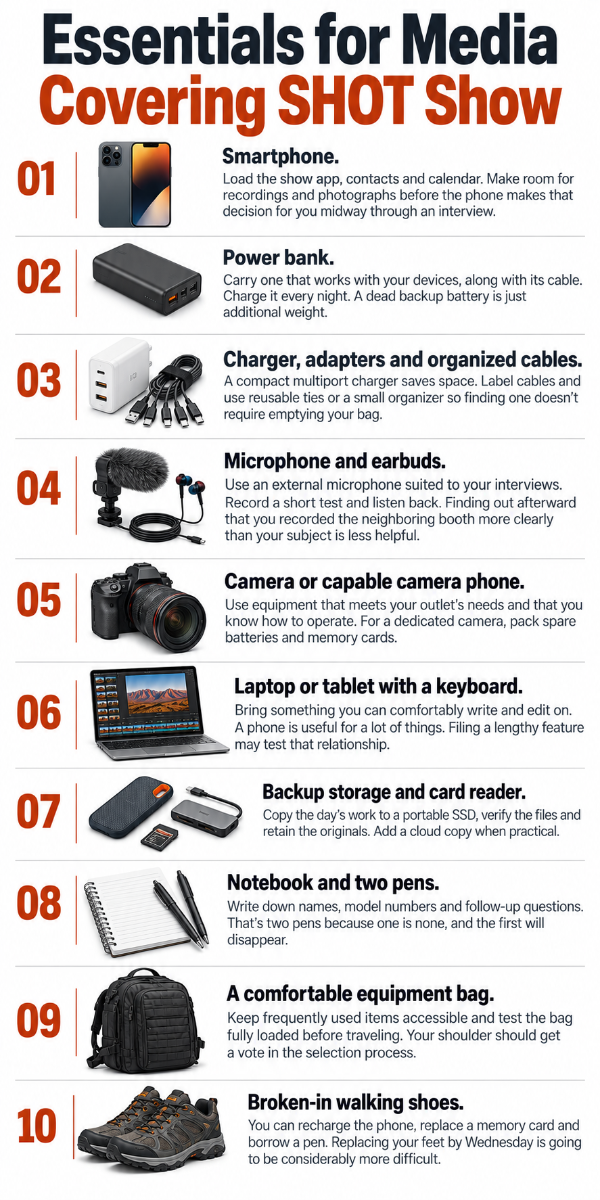
Inside, media have space to sit down and work, free WiFi, access to electrical outlets and stations for recharging electronics. Bring the cables and chargers your equipment needs. The existence of electricity does not solve the problem of leaving your adapter in the hotel room.
Shared computers and printing and copying assistance are also among the services available. But bring your own laptop, especially if daily deadlines are part of the assignment.
The NSSF communications team staffs the room and can help with questions, show information and story ideas.
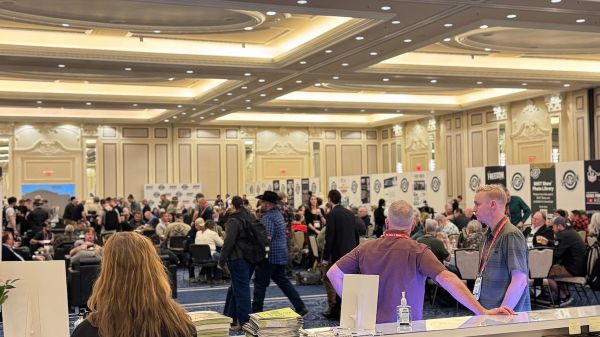
If you need a quieter place to conduct an interview, Dunn confirms that interview and broadcast rooms will again be available through the NSSF Press Room.
“Anyone that wants to use those can stop by the press room at any time to book a day/time. We schedule them in one-hour blocks,” Dunn says. There’s also a coat and equipment check, along with complimentary refreshments. You’ll want to take advantage of both—trust me.
Bookmark the Online Newsroom for show news, background information, photographs and links to exhibitor press materials. Approved media can use the Media Planner to obtain releases, images, videos and logos, including after the show.
Download what you need and organize it by company. Confirm names, titles, pricing, availability and any embargo while you have somebody available to answer.
Details matter and “Pretty sure that’s the new one” is not a caption.
For press conferences, check the Press Room Resources page, Online Newsroom and schedules posted in the Press Room. Review your plans each morning.
Both the Online Newsroom and the Press Room Resources pages should be updated for 2027 as of today.
Keep company invitations handy, too. Booth announcements and private briefings may require separate arrangements. Confirm the location, time and whether you need to RSVP.
And whatever you do, be sure to bring enough business cards. If you don’t have any, get some printed now.
– Paul Erhardt, Managing Editor, the Outdoor Wire Digital Network